Skin Tone Analyzer: Find Your Skin Tone and Undertone
Upload a selfie and tap your cheek, or pick your skin color, to see your skin depth, your likely undertone and the colors that suit you. Everything runs on your device.
No photo? Take the six-question undertone test instead.
Analyze Your Skin Tone
Use a daylight selfie with no filter and no makeup. Your photo stays on your device.
1. Add a photo
Hold your inner wrist next to the screen in daylight and adjust the color until it matches.
An estimate from one photo or color, not a professional consultation.
Skin Tone vs Undertone
The analyzer reads both from the color of your skin.
Skin tone (depth)
How light or dark your skin is: fair, light, medium, tan or deep. It can change with a tan.
Undertone
The color underneath: warm, cool, neutral or olive. It stays the same all your life.
Why both matter
Depth decides how light or deep your colors should be; undertone decides warm or cool.
How to Take a Good Photo for Analysis
Face a window in daylight, turn off beauty filters and HDR, remove makeup and keep colored light (a red wall, a green top) out of the frame. Tap the flattest part of your cheek, not a shadow, shiny spot or blush. Then use your result with the foundation undertone finder and the what season am I quiz.
How the Skin Tone Analyzer Reads Your Skin
The analyzer looks at one small area of skin, either the spot you tap on your photo or the color you pick. It averages the pixels there so a single freckle or pore does not change the result.
From color to skin tone
The color is converted to the CIELAB color space, which separates lightness (L*) from color (a* and b*). Lightness gives your depth: fair, light, medium, tan or deep. The hue angle of the color gives your undertone: more yellow-gold reads warm, more pink-red reads cool, in between reads neutral, and a yellow cast with little redness reads olive.
| Depth | Typical description | Color tips |
|---|---|---|
| Fair | Very light, often burns easily | Soft, light colors; avoid very heavy dark shades near the face |
| Light | Light with some warmth or rosiness | Light to medium colors, pastels and soft brights |
| Medium | Mid-tone beige, olive or honey | Mid-tone colors; most of the palette works |
| Tan | Golden, olive or caramel | Rich, warm or jewel tones |
| Deep | Brown to very deep brown | Deep, saturated jewel tones and bright clear colors |
Why photos can mislead
- White balance: phones warm up or cool down photos automatically, which shifts the undertone.
- Filters and beauty modes: they smooth and often warm the skin.
- Indoor light: yellow bulbs make everyone look warmer; LED light can look cooler.
- Reflections: a bright top or wall can tint your skin.
Because of this, depth from a photo is usually reliable, but undertone is an estimate. The undertone test and the gold or silver test use signs that do not depend on your camera, so use them to confirm. For your complete palette, take the photo color analysis, which also reads your hair and eyes.
Skin Tone Analyzer FAQ
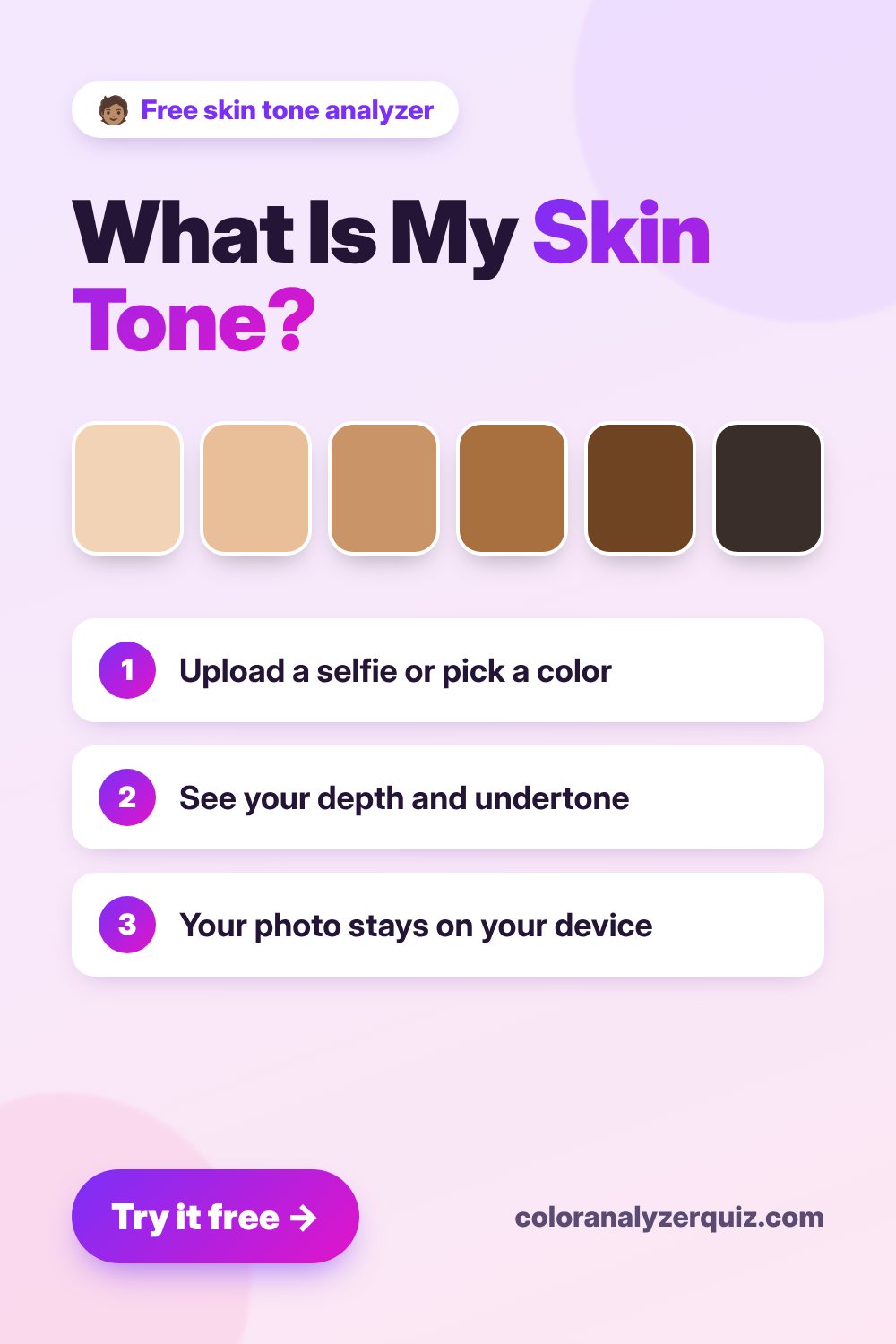
Save this tool for later
Pin it to your Pinterest board so you can come back to it when you shop for your next look.
Save to PinterestRelated Free Tools
More free color analysis tools. Each one runs in your browser, with no sign-up.
Undertone Test
Warm, cool or neutral? Plus your best colors.
Foundation Undertone Finder
Warm, cool, neutral or olive foundation?
Concealer Shade Finder
Concealer shade and color corrector for you.
Gold or Silver Test
Find the jewelry metal that flatters you.
Photo Color Analysis
Upload a selfie and get your color season.
What Season Am I? Quiz
Six questions, no photo: find your color season.
Contrast Level Test
Low, medium or high contrast? How to dress it.
All 12 Seasonal Palettes
Every season palette with hex codes.
Lipstick Shade Finder
Nude, everyday and bold shades for your season.